




The remote work tools guide that starts from the problem rather than the product: the distributed team that communicates exclusively through synchronous calls (the Zoom standup, the Teams check-in) is the team that fails when the participants span 8 time zones. The tools that replace the synchronous communication without losing the information (the Loom for the 2-minute async video that replaces the 20-minute call, the Linear for the decision documented at the moment it is made, the Notion for the institutional knowledge that the call attendee holds and the non-attendee cannot access) give the nomad team its functional infrastructure. This is the specific 12-tool stack that the BGGD operation uses and that the distributed travel creator team can adopt immediately.
Reading time: 6 minutes | Last updated: 2026
The Stack by Category
Communication
Slack (the primary async channel): The workspace with the channel structure (the #destinations channel, the #content-production channel, the #affiliate-links channel, the #weekly-review channel) gives the organised async communication. The Slack workflow: the daily written check-in (“what I’m working on today”) replaces the synchronous standup for the distributed team across multiple time zones.
Loom (the async video): The 2-minute screen recording that replaces the “can we jump on a quick call” — the context given in the recording, the recording watched at the recipient’s convenience, the comment left in the Loom thread. Replaces 60% of synchronous calls for the distributed content team.
WhatsApp (the urgent channel): The WhatsApp group for the communications that require the same-day response regardless of time zone. Not the primary communication channel — the noise:signal ratio of WhatsApp for the team is too high for the primary tool.
Project Management
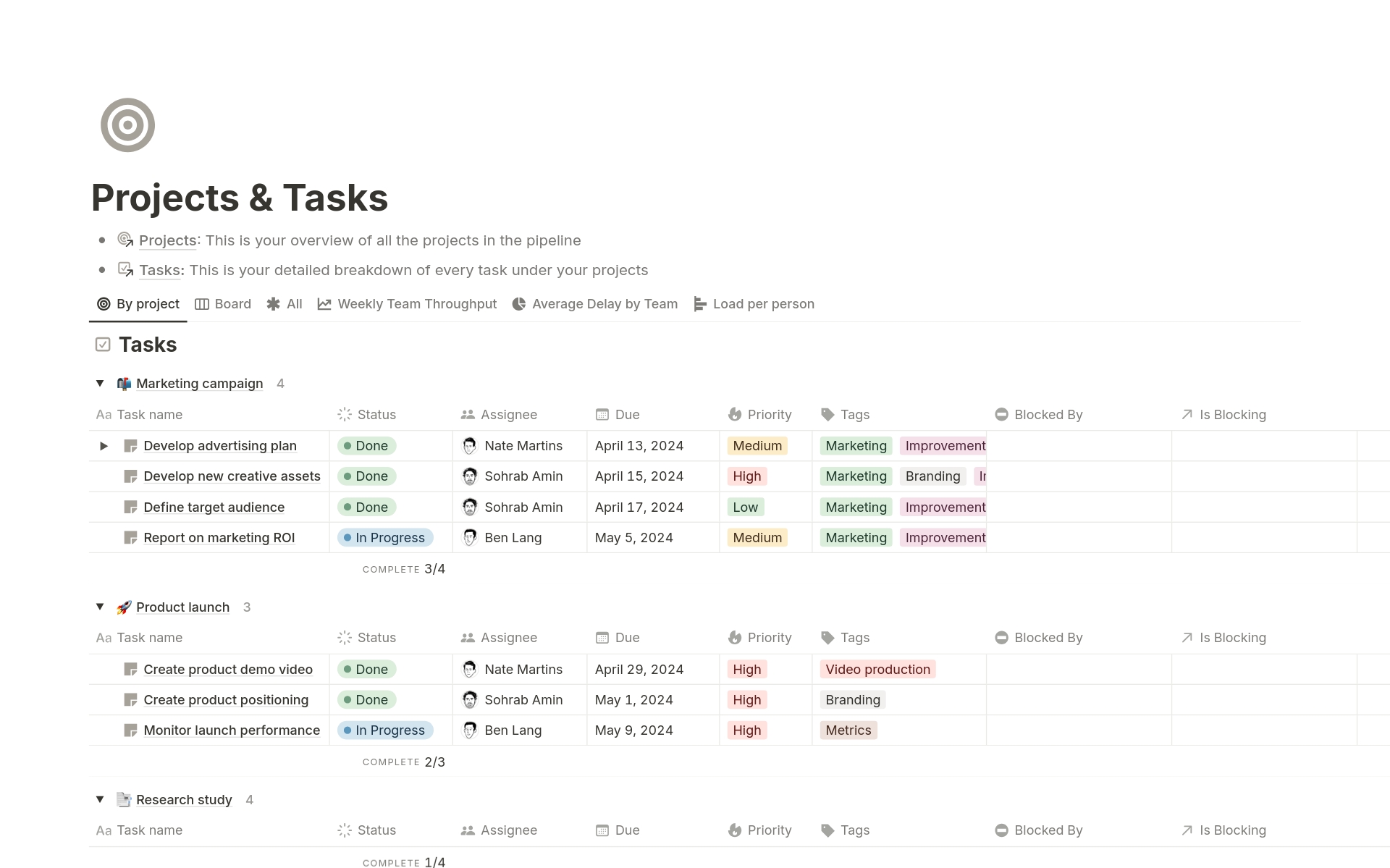
Notion (the knowledge base): The Notion workspace gives the editorial calendar, the content brief template, the affiliate link library, the brand guidelines, and the documented decisions. The nomad who onboards a new collaborator shares the Notion workspace — the team’s institutional knowledge is in Notion, not in the email chain.
Trello (the visual task board): The Kanban board (the columns: To Write, In Progress, Ready to Publish, Live) gives the content pipeline visible at a glance. The Trello card per post (the title, the target keyword, the brief, the draft link, the publish date).
Linear (for the technical tasks): The Linear issue tracker gives the site development tasks (the Kadence theme update, the affiliate link audit, the broken link repair) the structured workflow that the Trello content board does not. Not required for the solo creator; essential for the team with a developer.
Content Creation
Canva (design): The Canva workspace with the BGGD brand kit (the brand colours, the fonts, the logo) gives the carousel, the Pinterest pin, the lead magnet PDF, and the story graphic from the single tool. Full guide: The BGGD Instagram Strategy Skill.
CapCut (video editing): The mobile video editor that the travel Reels community has converged on in 2025 — the AI captions (the auto-generated subtitles with the correct timing), the template library, and the export at 4K for the Reels upload. Free tier covers all travel Reel production requirements.
Analytics and SEO
Ahrefs (SEO and keyword research): The keyword research tool that gives the volume, the difficulty score, and the SERP analysis for every post target keyword. The BGGD keyword workflow: Ahrefs → identify the 500-5,000 search/month, KD under 35 keyword → content brief → Notion → Trello card.
Google Search Console (performance): The free Google tool that gives the exact search queries bringing visitors to the site, the click-through rate, and the position. The Search Console review (weekly, 20 minutes) gives the posts to optimise and the keywords to target in the next content batch.
MonsterInsights (GA4 dashboard): The WordPress plugin that surfaces the Google Analytics 4 data in the WordPress dashboard — the daily pageviews, the top posts, and the conversion tracking (the email opt-in, the affiliate link click) visible without the GA4 interface.
Email and Monetisation
MailerLite (email): Full guide in Building a Travel Email List from Zero. The automation builder, the landing page, the 1,000-subscriber free tier.
Gumroad (product sales): The digital product platform — the 10% transaction fee, the zero setup cost, the correct platform for the £9-£47 travel itinerary and the destination guide.
The Solo Creator Minimum Stack
The solo creator who does not need the team communication tools: Notion (the editorial calendar and the brief), Canva (the design), CapCut (the Reels), Ahrefs or Ubersuggest (the keyword research), Google Search Console (the performance), MailerLite (the email), and Gumroad (the products). Seven tools, most with free tiers, covering every operational requirement.