




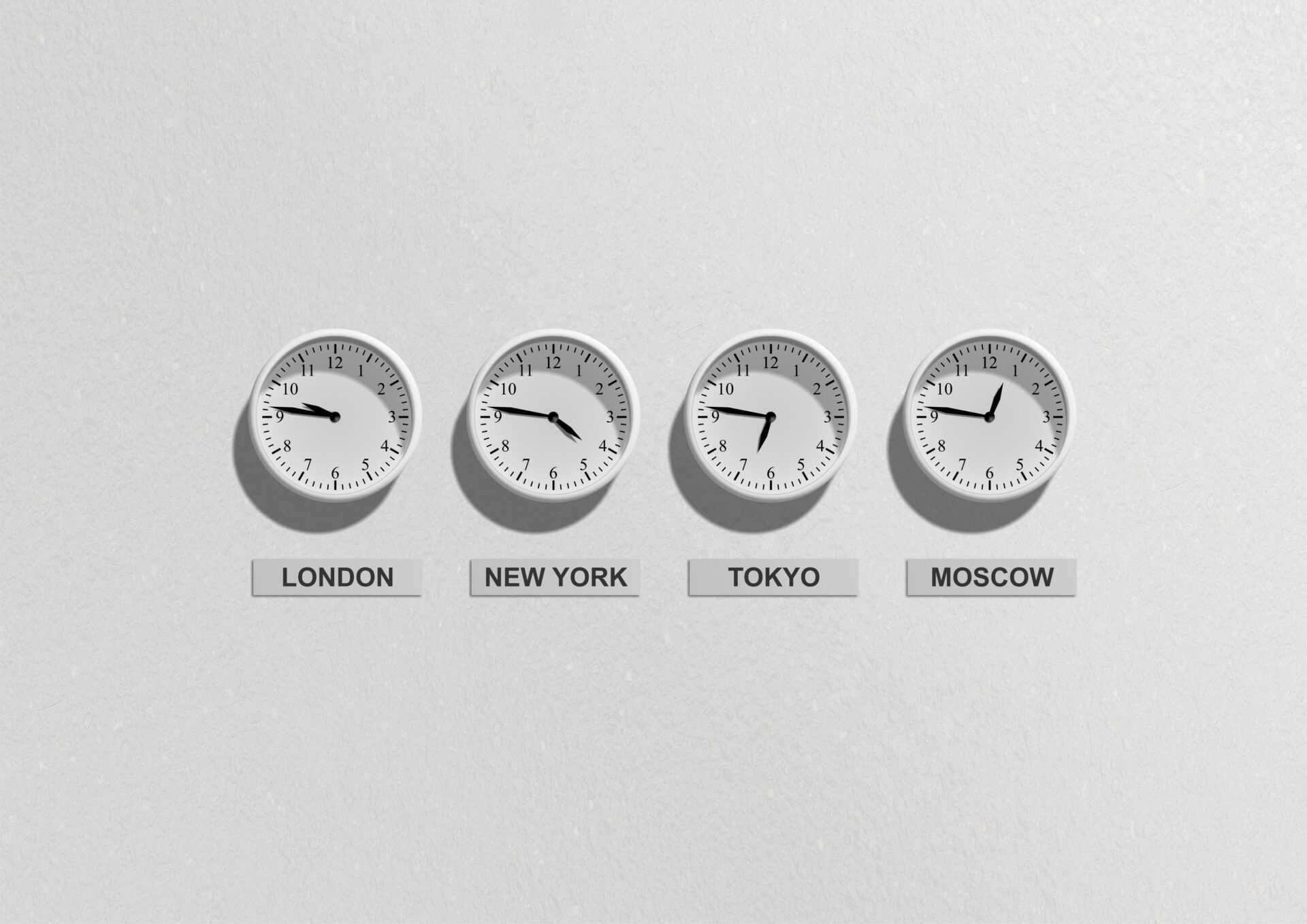
The specific problem that the digital nomad guide ignores: the UK employer who agreed to remote work “from anywhere” meant anywhere with a 1-hour time difference, not the Chiang Mai co-working at 3am UK time. The Tokyo-based remote worker who has a 9am London standup is in the office at 5pm in Japan. The Medellín-based freelancer whose European clients operate on CET is 6 hours behind Madrid. This guide gives the practical overlap calculation, the async communication systems that replace the “quick call” that the time zone prevents, and the specific tools that the distributed team uses when the distributed team is not just a PR exercise but the actual structure of how the work gets done.
Reading time: 7 minutes | Last updated: 2026
The Overlap Calculation
The minimum viable overlap: For a UK-based employer and a remotely-working employee, the minimum viable daily overlap is 4 hours — enough for the standup, the synchronous collaboration, and the urgent responses without the full working day requiring simultaneous presence.
The 4-hour overlap destinations from the UK (GMT):
| Destination | Time difference (GMT) | Overlap with 9am-5pm UK |
|---|---|---|
| Lisbon | 0-1 hour ahead | Full working day overlap |
| Tbilisi | 4 hours ahead | 1pm-5pm Tbilisi = 9am-1pm UK |
| Chiang Mai | 7 hours ahead | 4pm-8pm Chiang Mai = 9am-1pm UK |
| Tokyo | 9 hours ahead | 6pm-10pm Tokyo = 9am-1pm UK |
| Buenos Aires | 3 hours behind | 9am-1pm Buenos Aires = 12pm-4pm UK |
| New York | 5 hours behind | 9am-11am NYC = 2pm-4pm UK |
The Chiang Mai nomad with the UK employer works 4pm-8pm Chiang Mai for the synchronous UK hours, then independently from 8am-4pm Chiang Mai. The schedule is different, not impossible.
The Async-First Communication System
The remote team that communicates only through synchronous calls (the Zoom, the Teams, the standup) is the remote team that fails across time zones. The async-first team (the team that communicates through written updates, the recorded video brief, the documented decision) is the team that functions across a 12-hour time difference.
The tools:
Loom (the async video): The 2-minute screen recording that replaces the 20-minute “quick call” — the context given in the recording, the recording watched at the recipient’s convenience, the reply given in a responding Loom or a written comment. The Loom replaces 60% of the synchronous calls in a distributed team with no loss of context.
Linear or Notion (the written documentation): The decision that was made in the meeting and then emailed in a summary that nobody reads versus the decision documented in the Linear ticket or the Notion page at the moment of making — the async team documents in the tool rather than the email. The distributed team’s institutional memory lives in the tool, not in the head of the person who attended the meeting.
Slack with the time zone notation: The Slack message sent at 9am London is received at 4pm Chiang Mai. The Slack workflow that marks messages with the sender’s time zone (the Slack Timezone feature, available in the Slack workspace settings) prevents the 4pm message that the sender intended as “urgent, respond today” from being interpreted by the Chiang Mai recipient as “respond tomorrow morning” (which is the sender’s today, already past).
The Timezone Negotiation
The employer conversation: Before relocating, the specific conversation with the employer:
“I’d like to work remotely from [city] for [duration]. The time difference is [X hours]. I propose a schedule where I’m available for synchronous communication from [time] to [time] in [city] time, which corresponds to [time] to [time] UK time. Outside those hours, I’ll communicate asynchronously through [Loom / Slack / the project management tool]. The deliverables will remain the same as my current schedule.”
The negotiation that proposes the solution rather than requesting permission is the negotiation that succeeds.
The client conversation (for the freelancer):
The freelance client who expects same-day responses to emails sent at 2pm London is the client whose contract should include the specific response time SLA — “I respond to emails within 24 hours, typically within 8 hours during my working hours of [X am to Y pm in location time].”
The SLA prevents the misunderstanding (the client who sends a 2pm London email and receives no response by 5pm London because the freelancer is in Tokyo where it is 2am) and sets the professional standard (the response time that the client can rely on regardless of the time zone).
The Practical Infrastructure
The VPN: The UK-based remote worker who accesses UK banking, UK streaming, and UK-licensed software from abroad needs the VPN — the virtual private network that routes the internet connection through a UK server, giving the UK IP address regardless of geographic location.
The recommended VPN for travel: ExpressVPN (£6.67/month on the annual plan) or NordVPN (£4.17/month on the annual plan). Both have the kill switch (the automatic internet disconnection if the VPN drops — preventing the unencrypted connection exposure) and the server reliability that the streaming service detection does not break.
The second monitor: The co-working nomad who works from the laptop screen for 8 hours per day is working at the ergonomic and productivity disadvantage that the desk-based colleague does not have. The portable monitor (the ASUS ZenScreen (1.8kg, 15.6 inches, USB-C powered, £150-200) or the Lepow (1.15kg, 15.6 inches, USB-C, £80-120)) gives the dual-screen setup from the co-working desk and folds flat into the carry-on.
The keyboard and mouse: The laptop keyboard is the ergonomic compromise of the nomad working setup. The Logitech MX Keys Mini (the compact wireless keyboard, £80-100) and the Logitech MX Anywhere 3 (the compact wireless mouse, £45-60) give the desk ergonomics from the travel bag.